Remove the categories sidebar and colors in general showcase

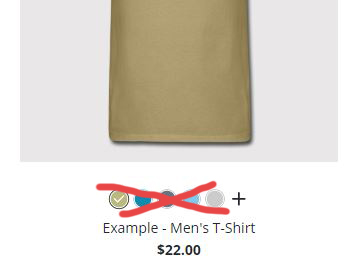
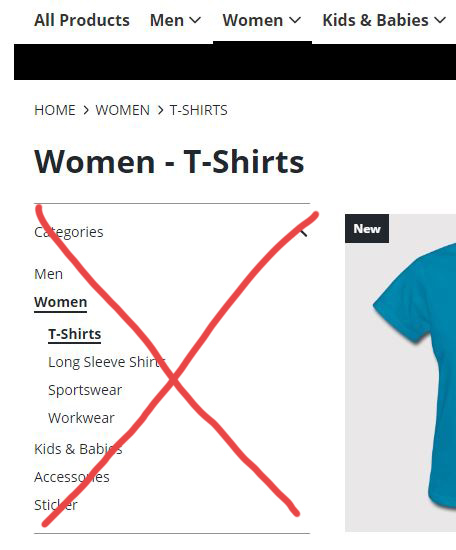
Helo! I’m new here o/. I am trying to set up my store and would be grateful if someone could help me. I would like to remove the categories sidebar (photo attached), so the site can have four columns for the shirts. I would also like to know how to remove the colors of the products (the little colored balls) in the general showcase.
I searched a lot on google for the css to do this, but I didn’t find it.

Thanks!
Those are the colors I talked about earlier.spreadshop 02

Hello and welcome

try this css

.sprd-department-filter__menu,.sprd-nav-link__icon,.sprd-appearance-list–listpage{
display:none; visibility:hidden;
}

Hello, Salama.

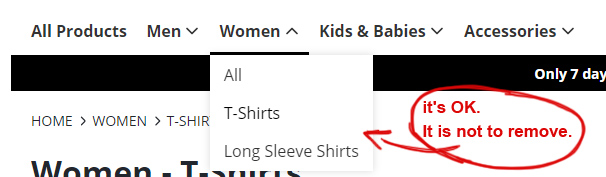
The css you submitted has removed the categories from the main menu. But I really want to remove the side filter as you can see in the first image. Still, thank you for trying to help me.

These categories are ok.

o/spreadshop 03

you are welcome
try this

.sprd-filterpane-sections,.sprd-appearance-list–listpage{
display:none; visibility:hidden;
}

1 Like

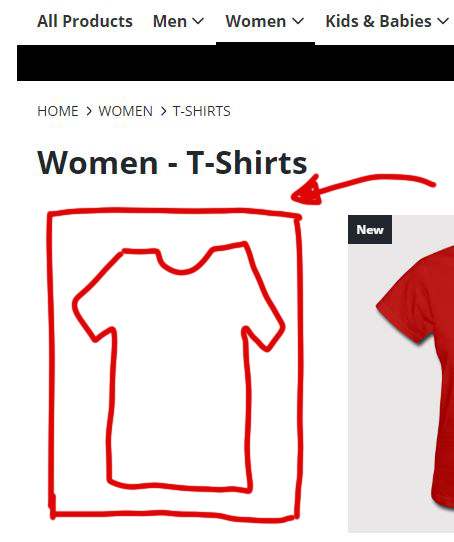
Hey, Salama! Almost there! The sidebar is finally gone. But the space it occupied continues. How to make the columns expand into place, going from three to four and occupying the area.

Thanks!

OK try this

.sprd-filterpane,.sprd-appearance-list–listpage{
display:none; visibility:hidden;
}

1 Like

Thank you, Salama. It worked! The last thing I’d like you to help me with is how to leave the products in four columns instead of three.

The colors I removed using this css:
.SprdMain .sprd-appearance-list–listpage{
display:none; visibility:hidden;
}

try this

@media screen and (min-width:768px) {
.SprdMain .sprd-product-list-item {
width:23% !important;
}
}

1 Like

Thank you very much, Salama. Worked perfectly. The site is now as I would like it to be.
I hope this post helps other people.

o/

1 Like

This topic was automatically closed 365 days after the last reply. New replies are no longer allowed.