Problem of checkout page with Wordpress Spreadshop Plugin

I need help! :sob:

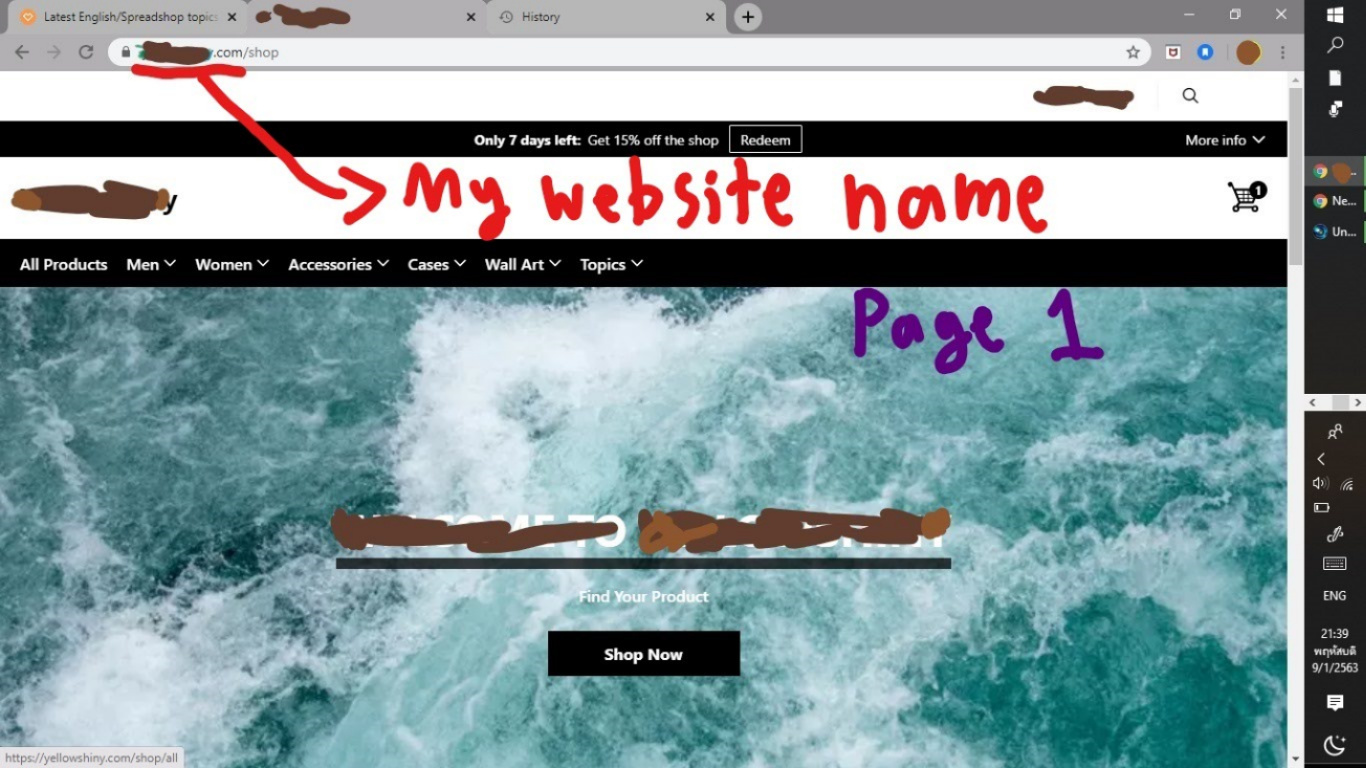
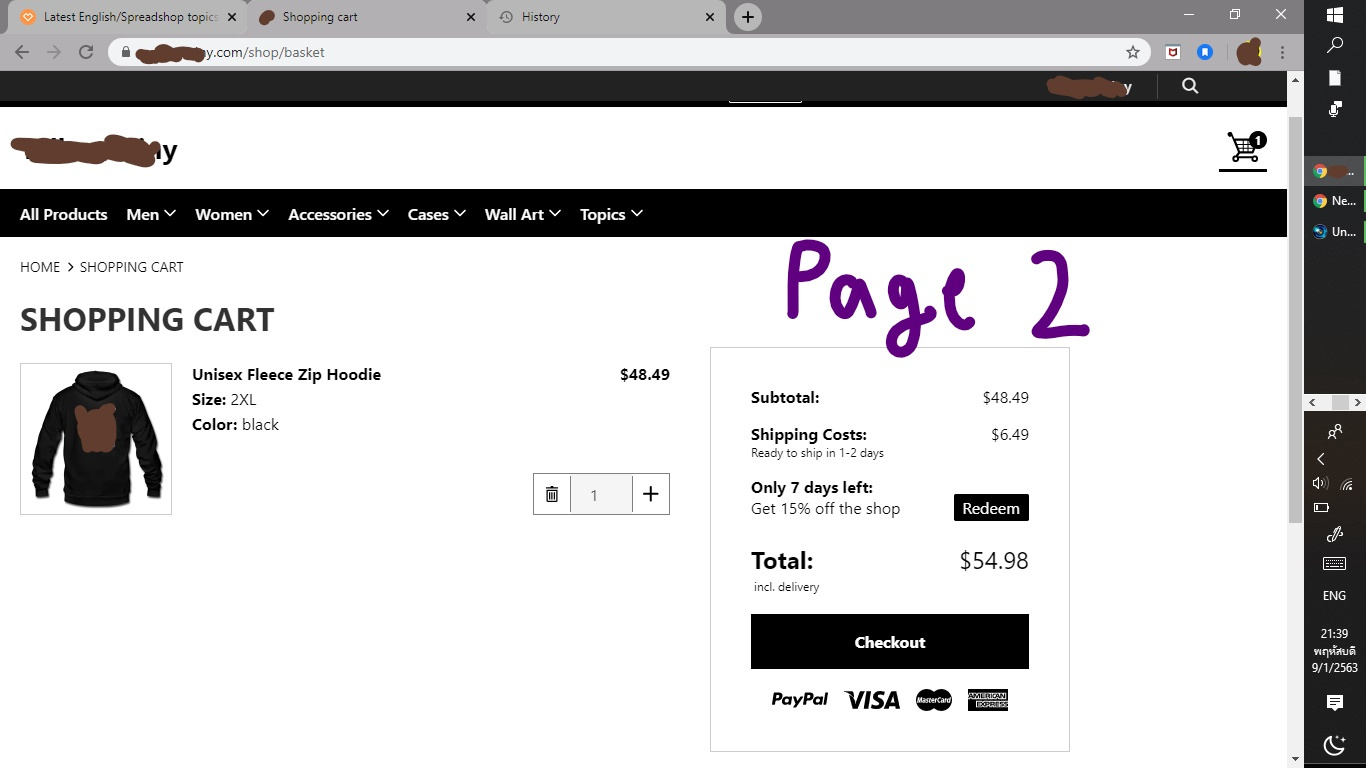
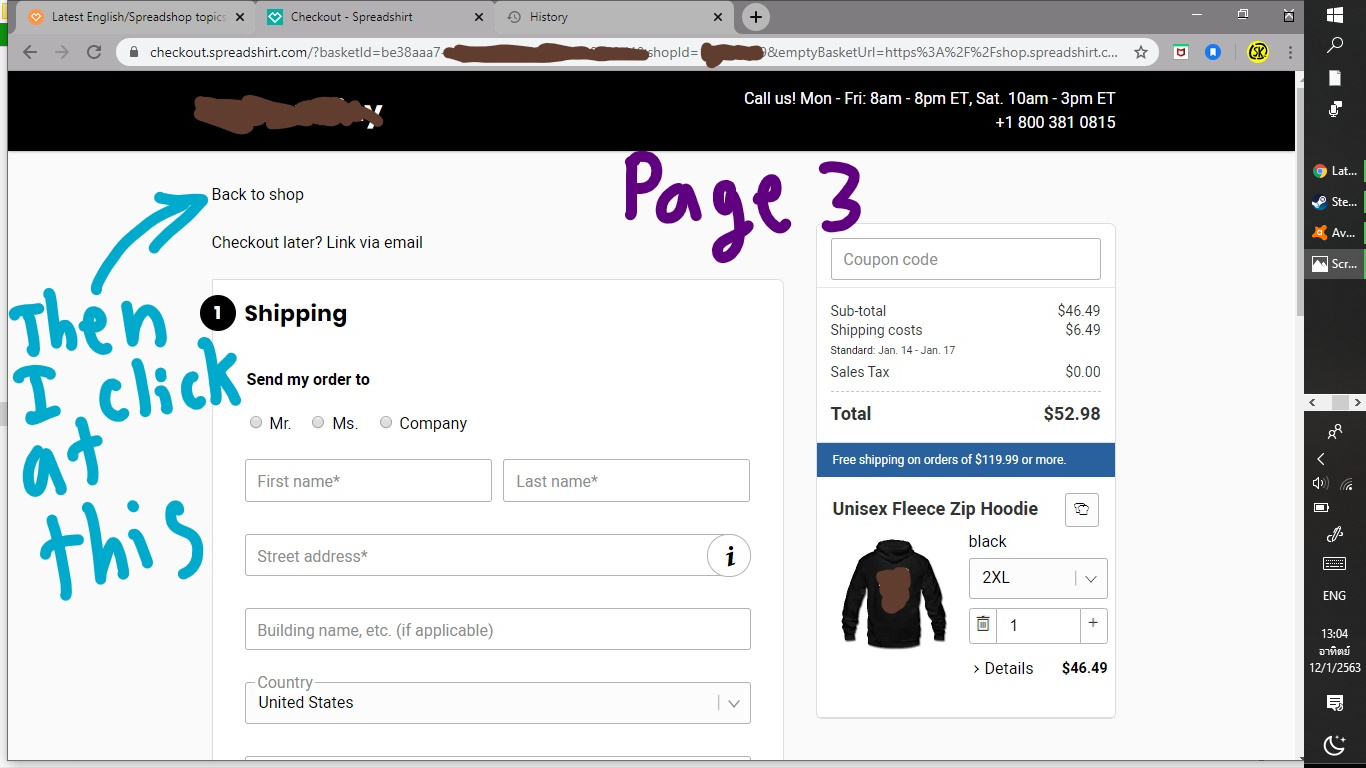
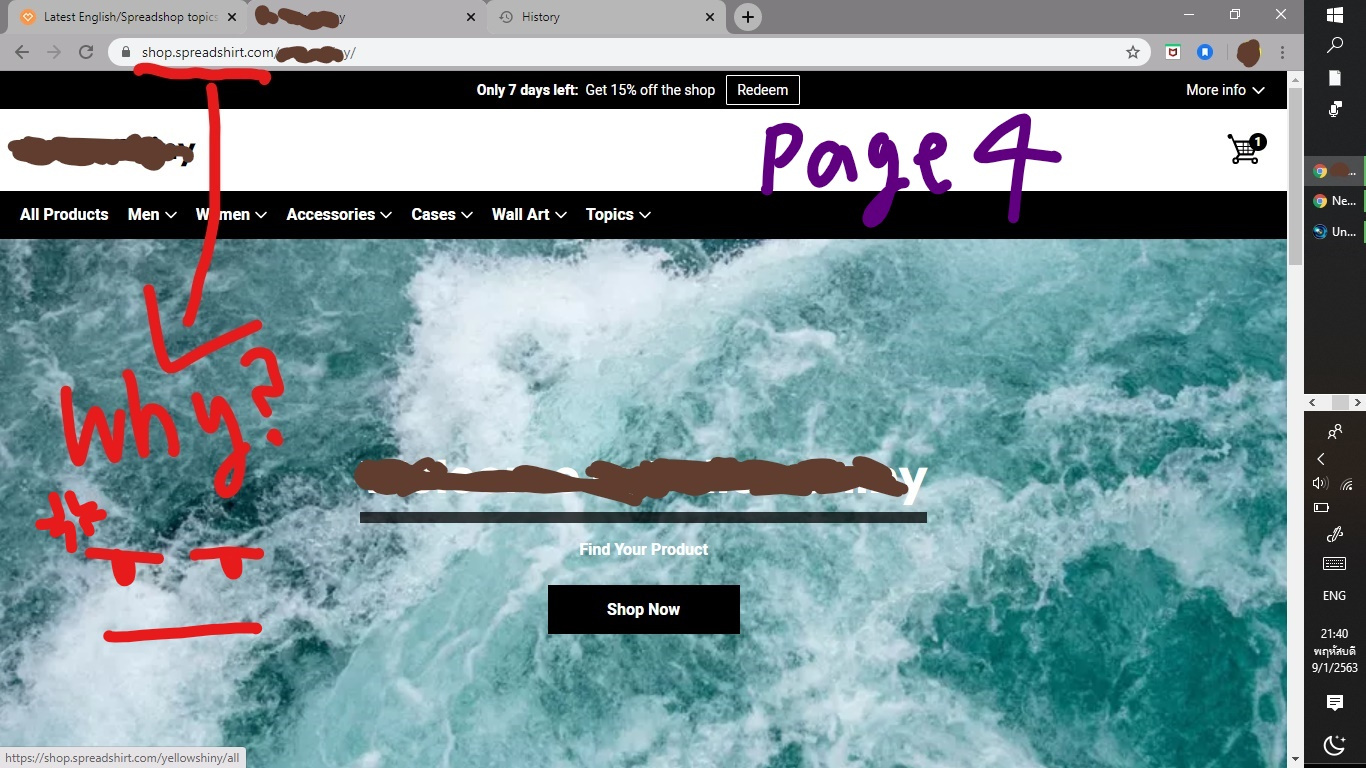
On the checkout page, if the customer hits “Back to Shop” he/she’s taken to shop.spreadshirt.com/myShop rather than myDomain.com (Picture Page 4). That creates confusion as the customer won’t find his cart which he is sent to the wrong page.

Like is there a way to let the customer get back to myDomain.com rather than shop.spreadshirt.com/myshop when he/she click at “Back to shop”. :cry:
I saw some people website don’t have this problem like mine. So there should be a way right?

As you see in the picture, PLEASE LOOK AT IT CAREFULLY.

Sorry if my English is bad. :joy:

Thank you,

You will find the Rest)

Greets David

Please check out

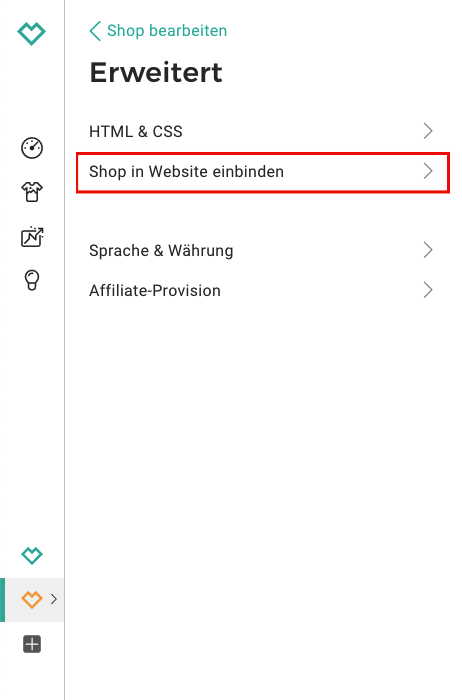
Shop Settings > Advanced > Embed Shop in Website > Connect your Shop and Website and type in the URL of your embedded shop!

No, I didn’t mean how to embed spreadshop to my website(I already use Wordpress’s Spreadshop plugin.).

I mean the problem is when customer click at “Back to shop” it bring he/she to
[shop.spreadshirt.com/myshop] rather than myDomain.com

No, I didn’t mean how to embed spreadshop to my website(I already use Wordpress’s Spreadshop plugin.).

I mean the problem is when customer click at “Back to shop” it bring he/she to
[shop.spreadshirt.com/myshop] rather than myDomain.com

Lena knows what’s up! :wink:

Follow her instructions(Shop Settings > Advanced > Embed Shop in Website) and scroll to the bottom where you should find “Connect your Shop and Website”. Add your website in the input field and those links should redirect the user to your website (or embedded shop) instead of your standalone Spreadshop.

2 Likes

OMG thank you so much! :+1: :+1:

1 Like

@Lena_Spreadshop @JORS @Berliner_Original

OMG thank you so much. It works!

2 Likes