
Hello, I´ve been uploading a lot of designs the last days, but now I see that the vast majority of them have been rejected. I can´t find the reason, they are so different from each other. Thanks in advance.
If you want to know the reason for rejection, simply click the button with a pencil symbol.
This will take you to the design detail page.
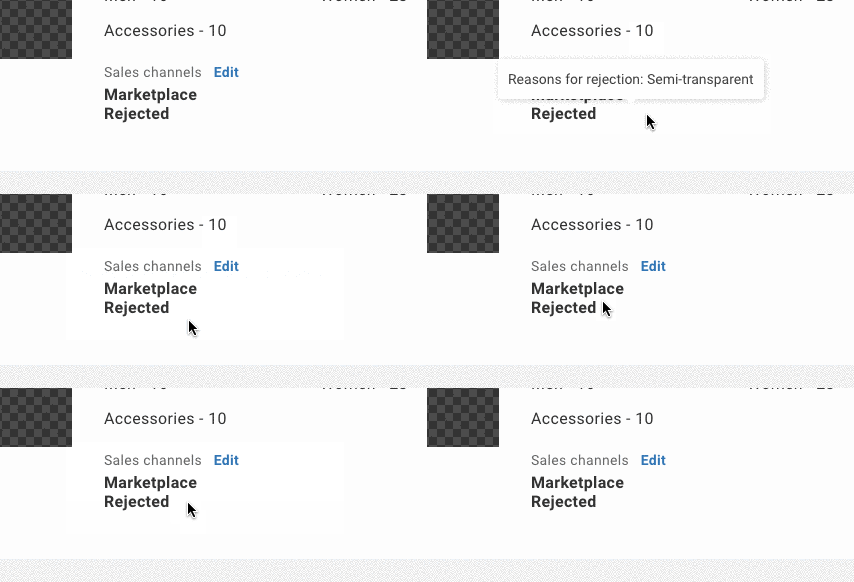
At the bottom you´ll find the legal status for each point of sale.
In the example, a design was rejected for the Marketplace.
By hovering the text you´ll also see the reason.
If you are still not sure about the reasons, please get in contact with our design department: verify@spreadshop.com
Please have your AccountID or ShopID at hand.
You can also find more informations in our help pages.
1 Like