
I tried to get this problem sorted out with customer service but it is hard to get through to tech support. I suspect this might be a cleaner way!
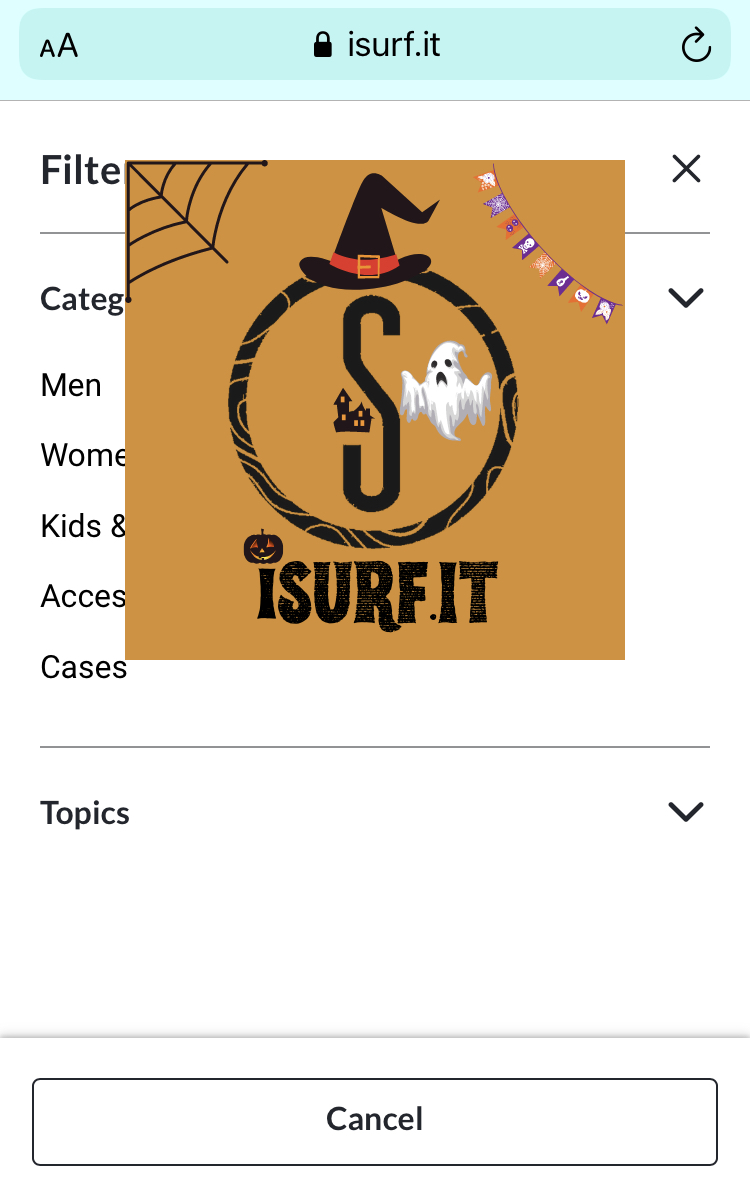
When a filter is selected on the mobile version of the shop, my site logo gets in the way.
Any idea if this can be solved and how?
Thank you
try this
on themes/hemingway/style.css
find
.header-inner {
position: relative;
text-align: center;
z-index: 2;
}
change to
.header-inner {
position: relative;
text-align: center;
z-index: 1;
}
And check if this change did not break anything else on the site
1 Like
Can I not treat this as additional CSS instead of editing the theme itself?
So I don’t lose it with theme update?
Just tried it as additional CSS and indeed it works!
Thank you, well done.
Now please do suggest to the customer service manager to sort out the reasons why this problem that I have handed over for a solution to CS several times (where several is a great understatement) got sorted out in less than a day when posted on the development forum.
Thank you again Salama.