
Hello, is it possible to replace the text in header/footer of the checkout by a logo? If yes, is there a tutorial how to?
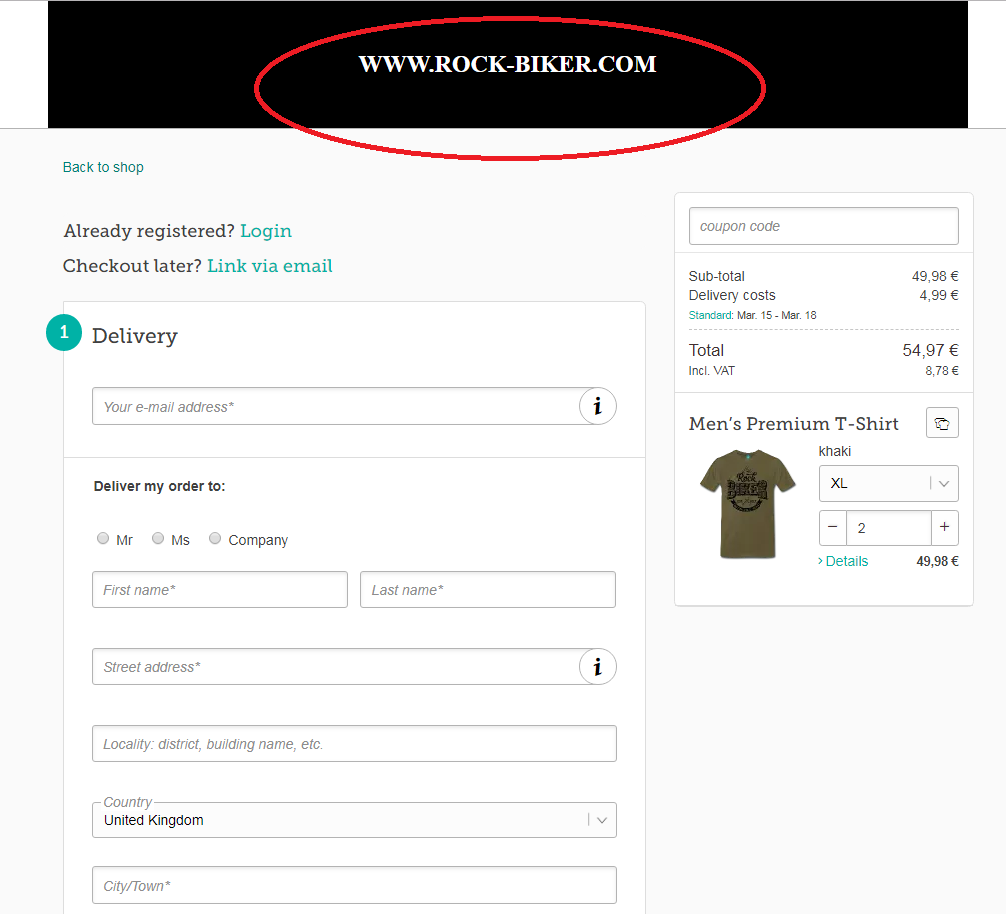
Anyone? 
Somehow I can not open the link. (blank page) Maybe because my Spreadshirt settings are in Dutch? (this is a German extension)

P.s. the NL extension same blank page…
Within the link Lena posted, you´ll need to replace “SHOPID” value against your Shop ID, too.
OR
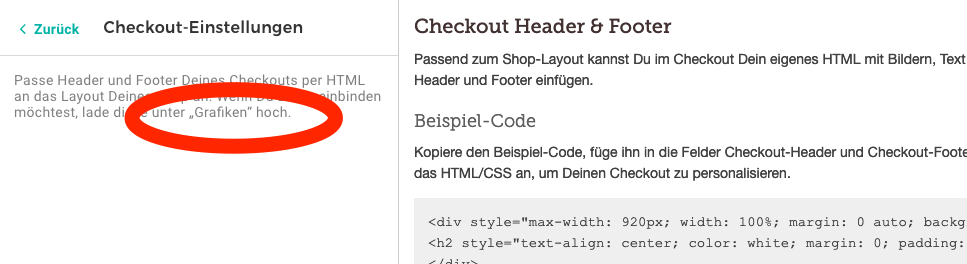
Simply navigate to the Advanced Section of your Shop Settings. There you´ll find the Checkout-Settings page with the mentioned HTML forms 
1 Like
@Thomas_Spreadshop but you can’t upload images. This is what Arie wanted to do 
The message below says, you have to go to Grafiken, but this menu item or page doesn’t exist . As I wrote in another place, it’s not allowed to upload images. Maybe this leads to a misunderstanding.
1 Like
ah! correctemente! sorry for my misunderstanding @Rock_Biker!
@lovetee Do you recall a solution that once was discussed, where uploading an header/teaser image to the shop was proposed and then you´ll just add the image path?
I fear this topic is somewhere deep deep within the forum.
1 Like
@Thomas_Spreadshop You’re right! Didn’t remember
@Rock_Biker If you upload your logo under Pagina-opties → Header → Logo → Logo - I think then we can use this image to show in checkout page.
1 Like