Little CSS questions

Hey, could you help me with some little CSS questions:

  • I would like to remove the category “hoesjes” from the navigation.

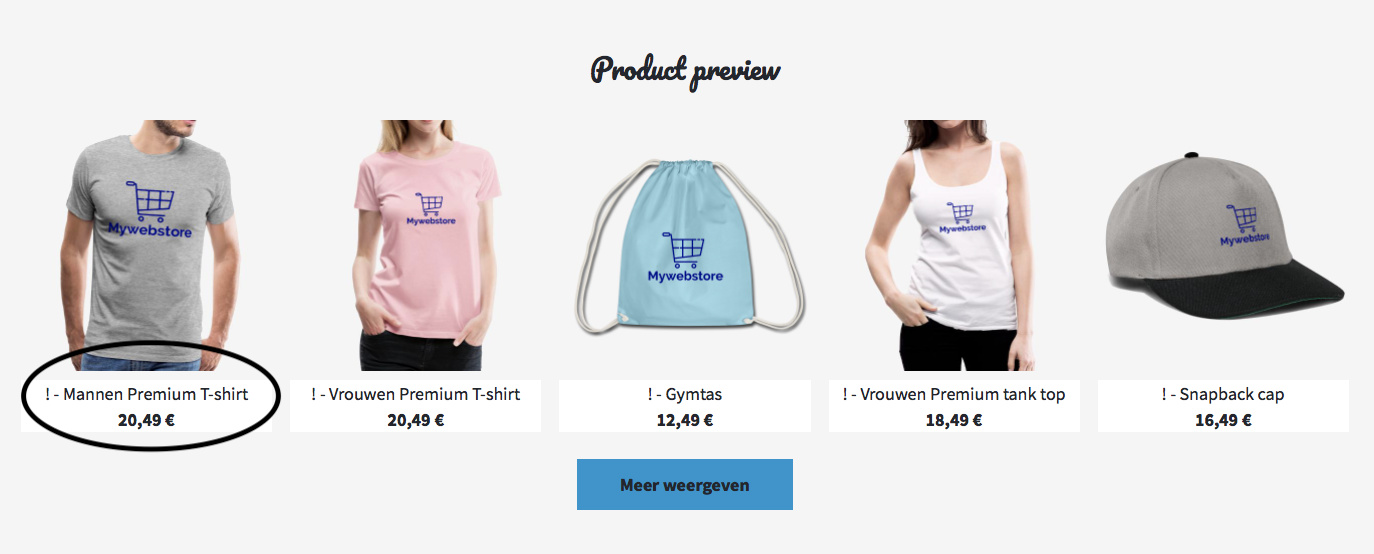
  • On the homepage, in the “product preview” section, I would like to change the white background of the products to the color of my global background.

  • Finally, for the products I would like to remove the name of my logo, but I would like to keep the name of the type of product e.g. Women - premium t-shirt.

The site url is https://shop.spreadshirt.be/Mywebstore

Thanks in advance.

1 Like

Hey there!

In fact you don´t need much CSS in here :slight_smile:

  1. Hide Category
    If you delete the two phone cases, the category will be hidden automatically. Otherwise you could follow these CSS tips we’ve provided:
    CSS Tips You’ve Always Wanted to Know - The Spreadshop Blog

  2. Changing the background color
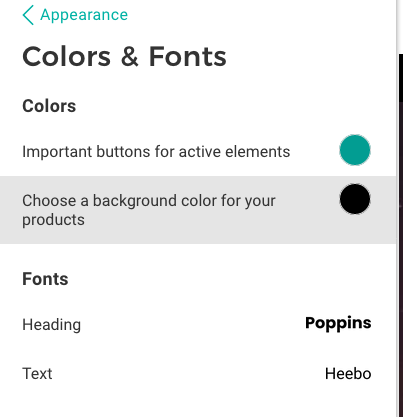
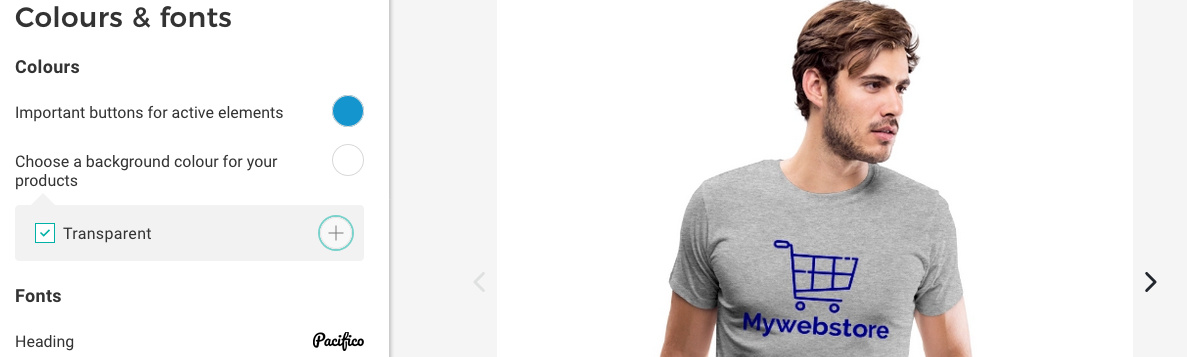
    Please go to your shop’s appearance settings. There’s a “Colors & Fonts” section that allows you to define a background color for the product images.

  3. You can remove or change the displayed name “Mywebstore blauw” by renaming your design. That’s where it comes from. Therefore you need to edit the dedicated design :slight_smile:

28%20AM

1 Like

@Thomas_Spreadshop thank you for your answer.

1 Like

You have had a little typo in there. You´ve hidden the department D18. I´ve corrected that to D19 and it works :slight_smile:

For the design name…
Would it make sense for you to give it a generic name? Like “Logo” or “basket”?

@Thomas_Spreadshop tanks for the tips now it works. Only the transparent product background doesn’t work yet. When I indicate transparent it always stays white. Can you help me with this?

Is it about the Shop 100544763 ?
Do you want the product image background to be transparent or are you aiming for identic color values of shop background and product image background?

@Thomas_Spreadshop Yes it is. With the product background I succeeded. Only for the homepage at product preview I would like to get this block in the same colour as the rest. Can you help me with this?

A link to your shop would always be great, but so far, you can try this:

.sprd-startpage-preview-tiles__text.sprd-bg-m3 {
background-color: transparent !important
}

I´ve tested it in the example shop and it worked. (at least at my testscreens)
Thx to Thimo!

1 Like

This topic was automatically closed 365 days after the last reply. New replies are no longer allowed.