Hi I am working on a shop that is embedded in a Wordpress site. We have added it to Search Console and verified but aren’t seeing any data in Performance reports. the shop URL is as follows:
Should this be the URL we add to Search Console or just the domain?
Thank you.
Hey there!
Your domain https://rmbgames.com should be set as the Domain Property.
All other Sub-Domains (like https://rmbgames.com/shop) can be added as well, but then under the Prefix Option (Add Property > URL-prefix)
If you’re feeling lucky, you may also add your shop’s original URL as property.
In fact, Google already mentioned 2 years ago that they have improved their crawling to support embedded content.
If you want your website to be indexed to achieve a max. positive ranking factor, make sure not only to ask for your shop content to be crawled. It is highly appreciated to put in some serious work into link-building and content enhancements on your domain.
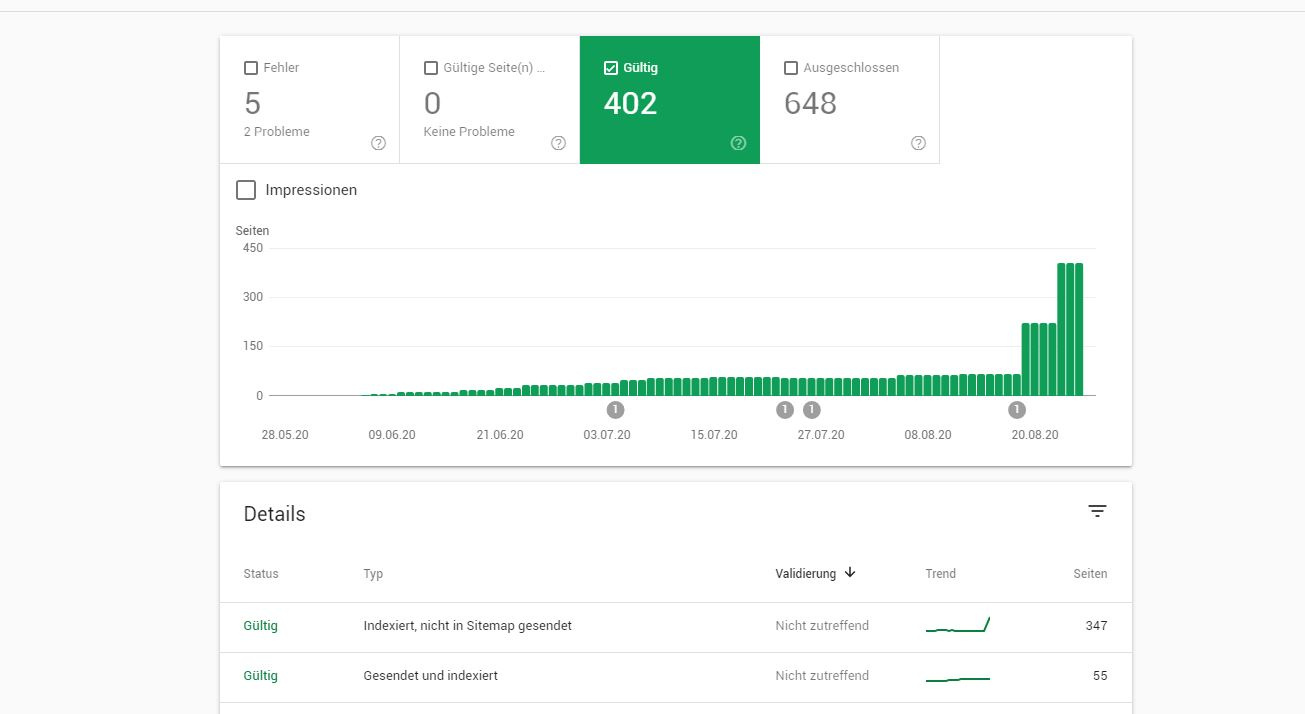
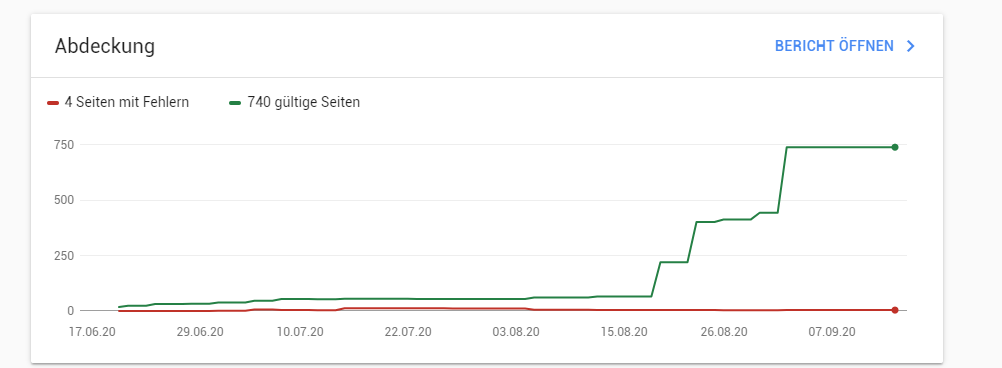
Whe have had a (sorry, it´s german) thread opened by a shop owner, who´s embedded shops / and his websites got crawled really well, short time after starting the projects:
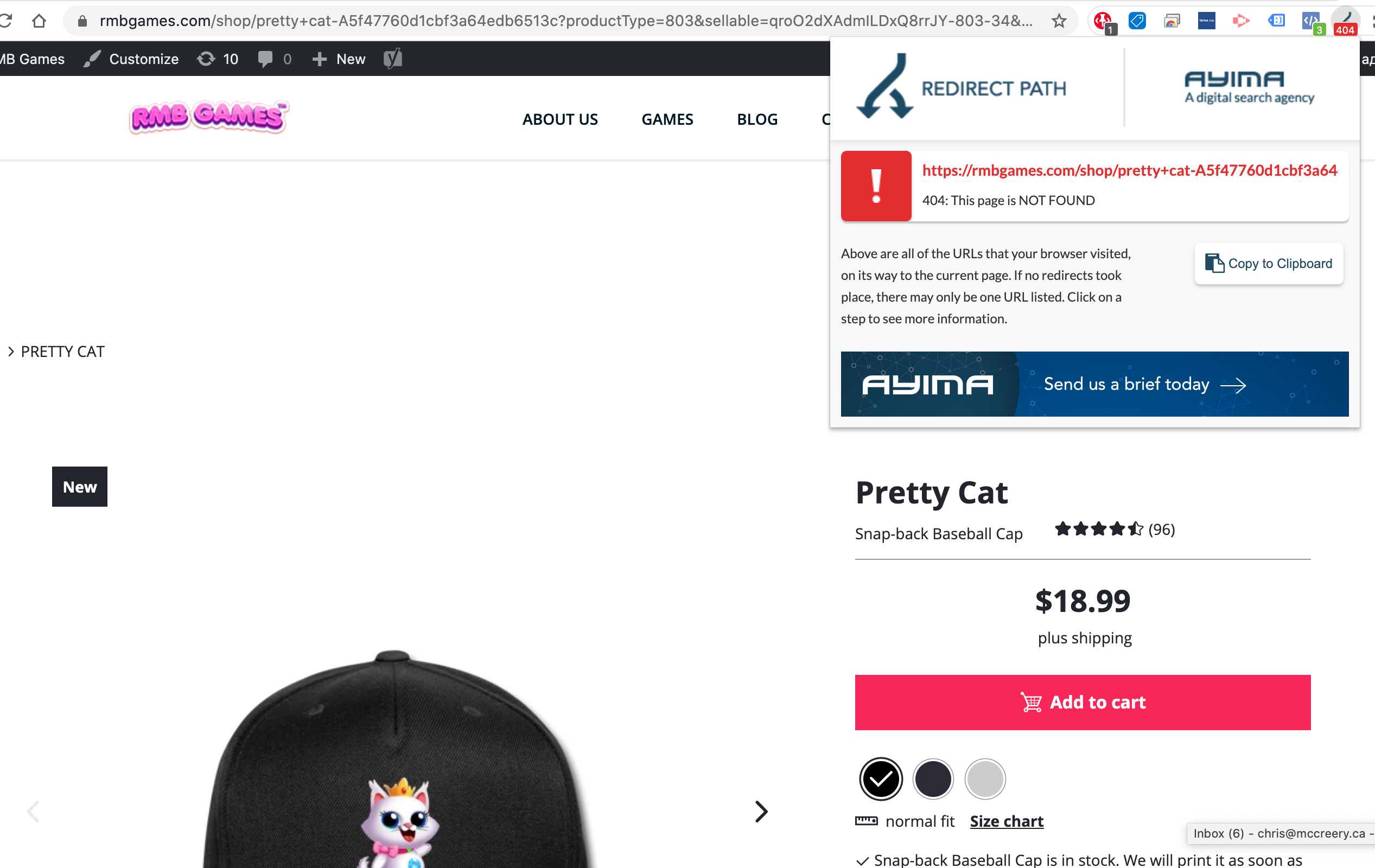
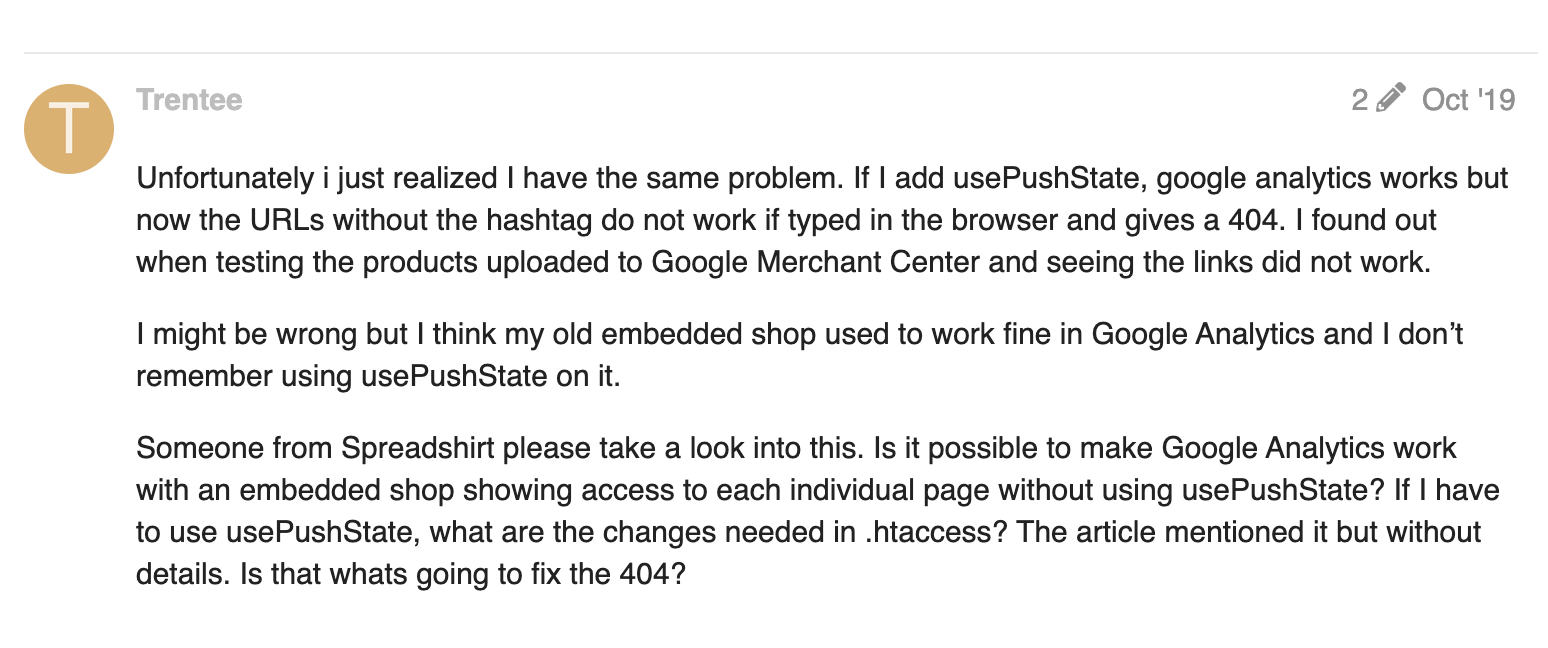
Yah that’s really strange. When we use the plugin and remove the #! from the URLs the browser reports 404 error but still shows the page. When the 404 is triggered it then adds a noindex to the page preventing Google from crawling.
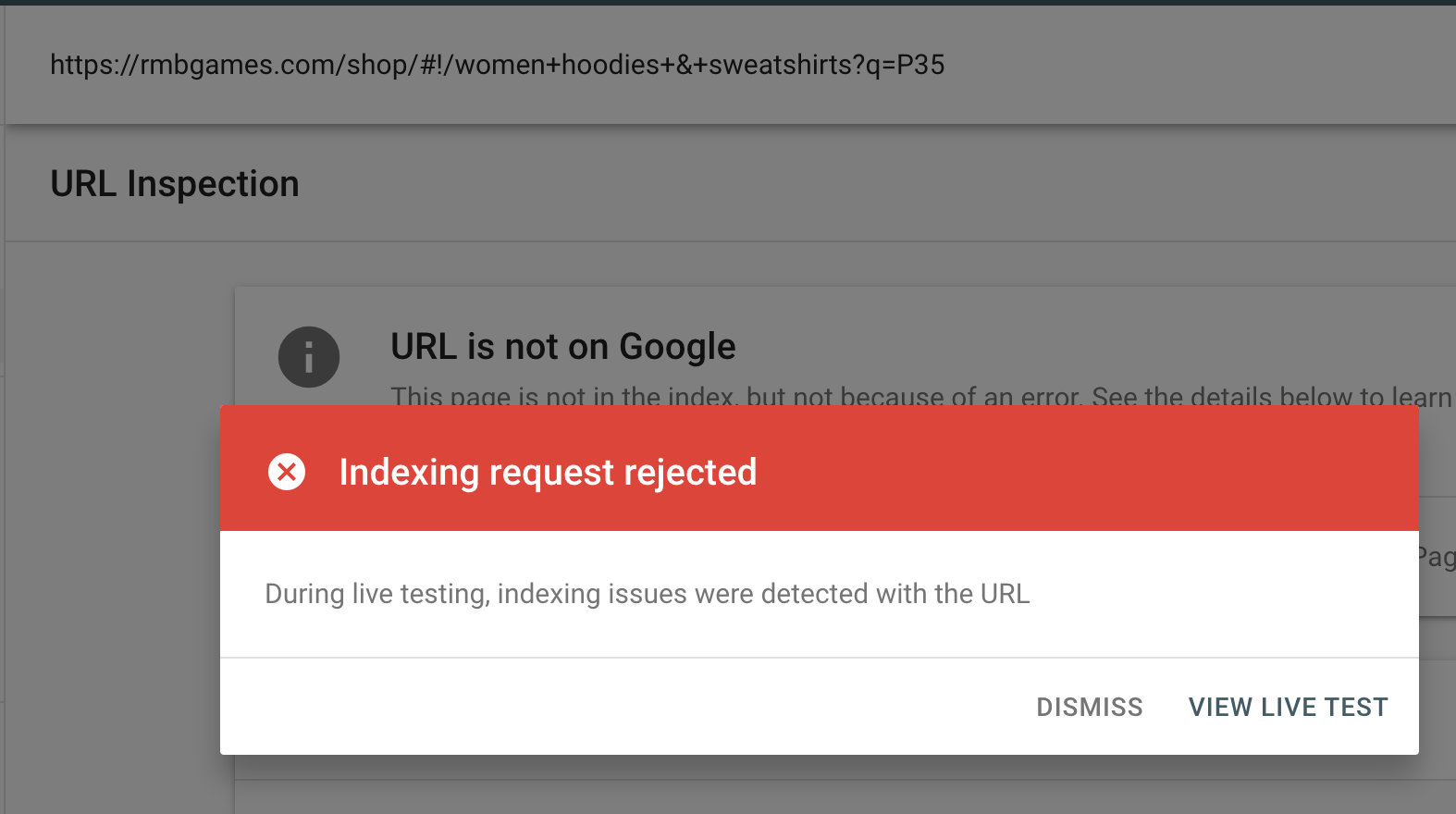
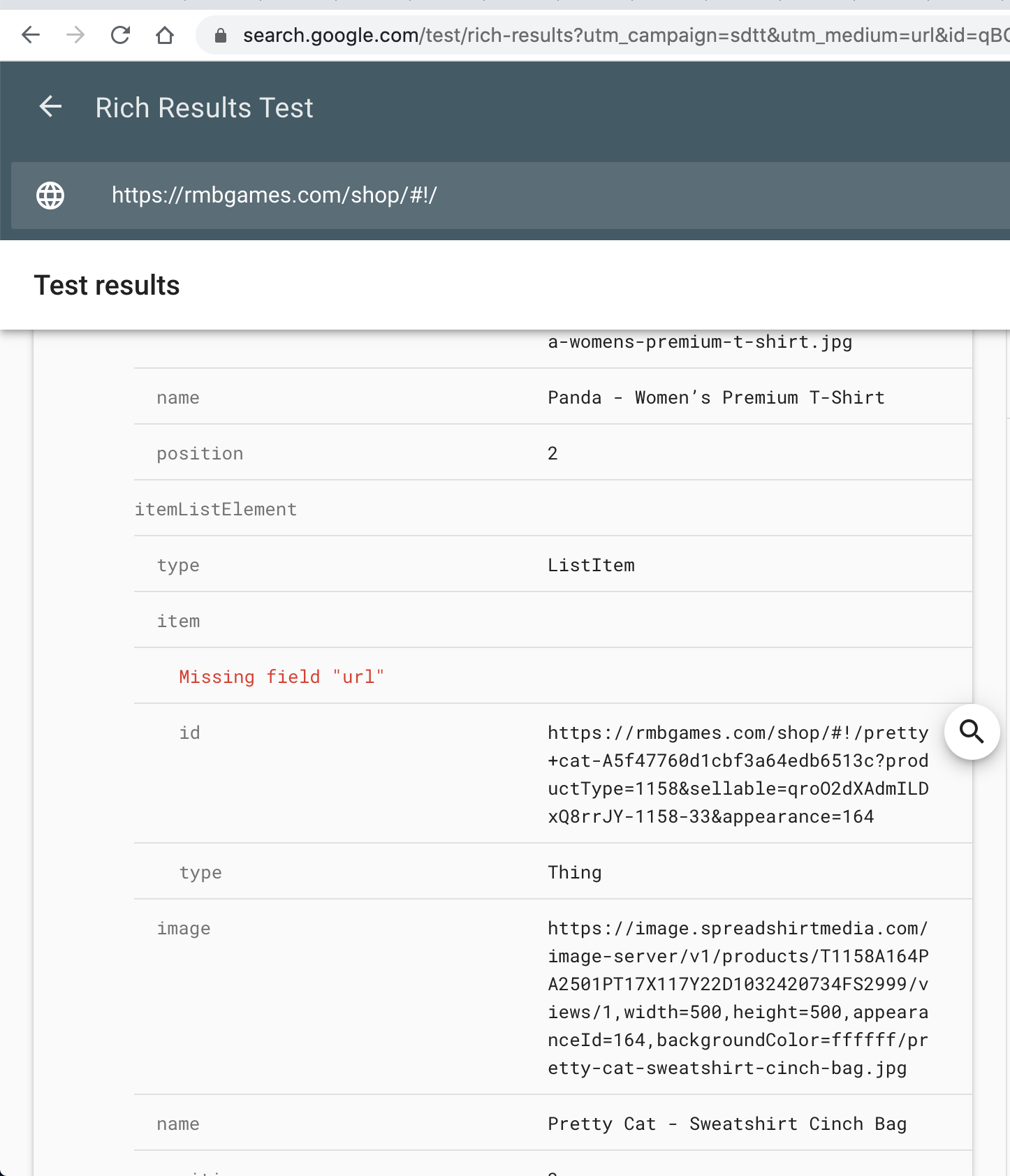
If we remove that and use #! in the URL and test on Google Search Console it shows this errror.
I will need to speak to our DEV Team, to ensure that this is not a bug, coming from recent changes on Google’s side.
I hope to get back to you with more info soon.
Specifically about the URL fragments and their proper use.
Does Googlebot understand fragment URLs?
Fragment URLs, also known as “hash URLs”, are technically fine, but might not work the way you expect with Googlebot.
Fragments are supposed to be used to address a piece of content within the page and when used for this purpose, fragments are absolutely fine.
Sometimes developers decide to use fragments with JavaScript to load different content than what is on the page without the fragment. That is not what fragments are meant for and won’t work with Googlebot. See the JavaScript SEO guide on how the History API can be used instead.
Our DEV team is supervising the indexing progress of shops in general. We see clear patterns that the Google bots are able to crawl your pages, even if we are not 100% sure why they cannot access the information in some cases.
So be sure they´ll find their way through.
Removing the hashbang manually is and will always be a use case for advanced users. We do not give advice regards that solution, as the support mostly transforms into an endless back and forth.
Indexing:
We are actively deciding against an indexing off each and every page and list page of all shops.
Here´s the why: For Google, the entity of all active shops consists of an identical content structure.
Means, independent from each shop´s topic and the designs offered inside, Google Bots recognize the deep link structure for every shop as the identic. Therefore, they most likely only crawl and rank content that is really well maintained by the shop owner.
How to overcome this?
My advice here is clearly to use the blessing of your own domain by building user-relevant content around your shop. That´s what Google is looking for.
Means, you should start building a content home. Create Landingpages for your best niche designs. Do storytelling about your shop, your brand, etc.
This is where the SEO effect kicks in and where a sitemap really makes sense.
Not a sitemap for your shop, only… but for your website! That is the answer I can give here.
My Tip:
Anytime you upload a new design, you can release a new landing page for it. If you have, feel free to write blog content and link to your LPs where possible.
So your website might gain much more link juice than your stand-alone-shop could ever do.
We know about of the weakness in SEO in standalone shops, And that can’t be simply solved by setting all subpages to index. Basically it’s about that all shops look the same to Google from their page structure.
And yes, we know why some shops have a higher chance to be ranked.
Embedded shops have a much higher chance to be ranked because the users are providing context to the shop.
If a website feels like a desert without content, literally Google won’t spend much time to understand the things that are hidden, deeper inside the page/shop whatever.
But if backlinks are linking to your page, the link structure is built logical and if there are differentiated LPs built for important designs/products, this will be highly beneficial.
If the shop is used as standalone, Google will only crawl the surface and check if there are any backlinks or other indicators for a minimum of relevance.
Since all standalone shops are nearly identic to Google - from a structural point of view.
This is a non-issue. The majority of sites use WooCommerce, Shopify and many others that all share the same code base and easily get crawled and indexed and ranked.
If you provided a sitemap for all the products this issue would be resolved immediately as Google will index your shop pages even with the #! in the URL. Any chance that’s going to be a feature?