HELP PLEASE! Uploading Vector design does not recognize color

Hi!

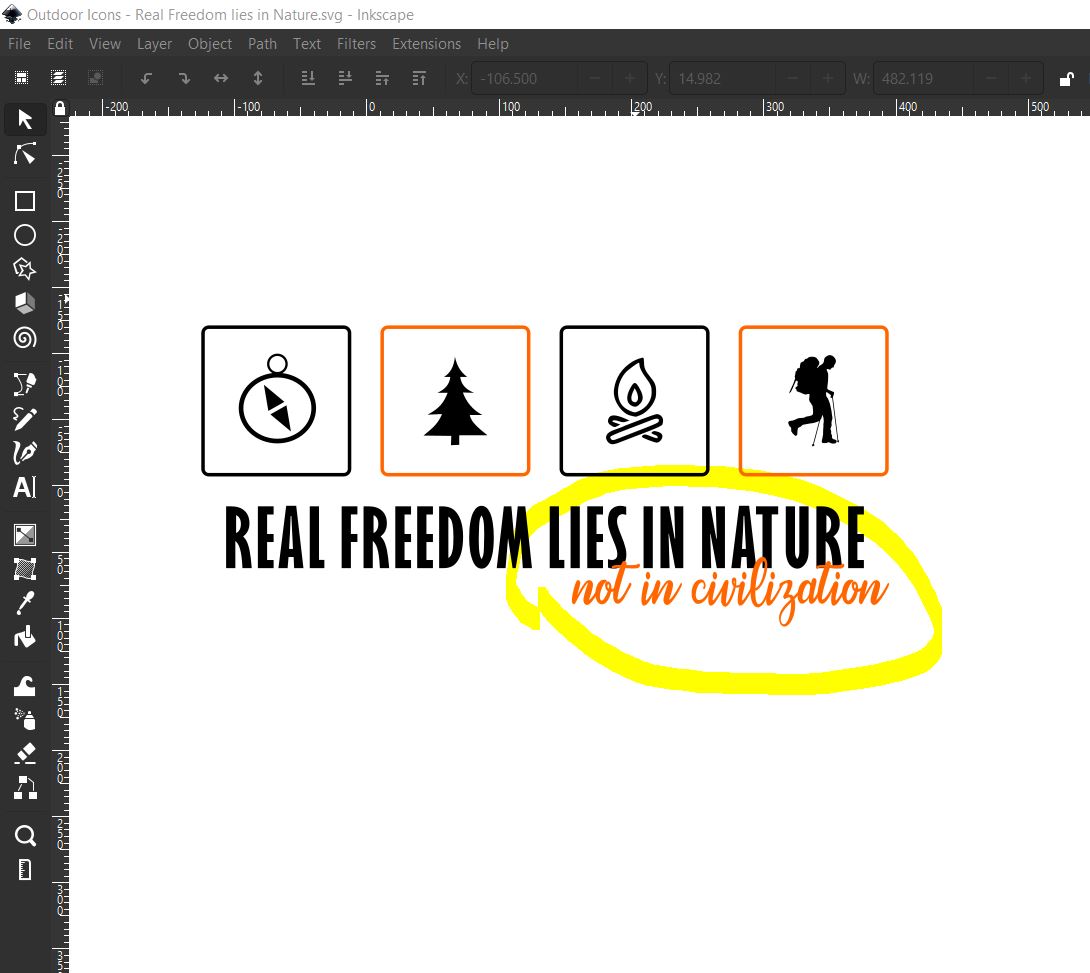
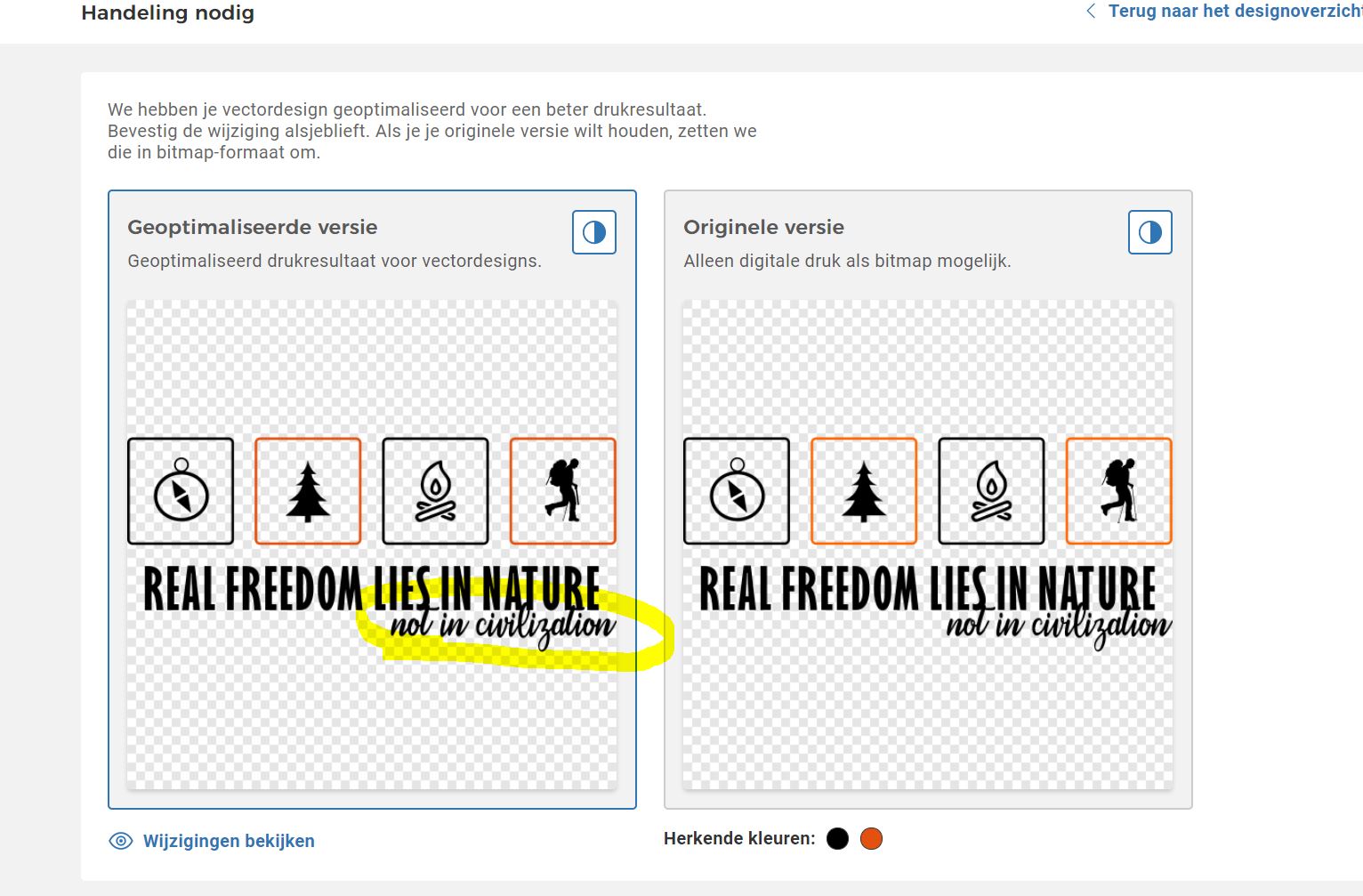
When I upload a vector graphic design it does not recognize the color (orange) in the text. This is weird because the same color in a line is well displayed. What is going on? Am I doing something wrong? It never happened before. It has nothing to do with the text overlapping because I also tested it with ‘not in civilization’ lower in the design. Same effect.

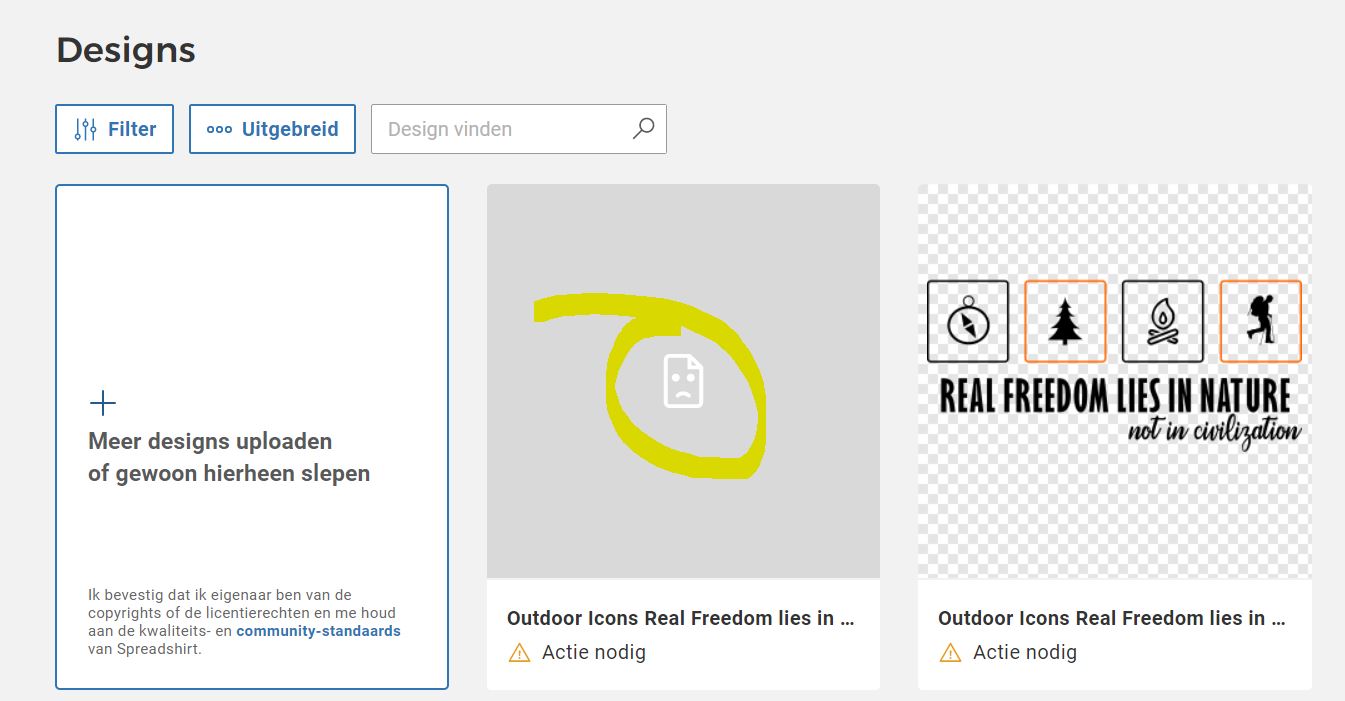
See images.

Thanks for helping.
Inge from Studio Pico

Did you used separated layer for all orange elements?

you can find more info here Optimize vector

Hi Salama,

Yes I did. The design has two layers, one with black and one with orange. All objects are converted to paths. I tried uploading SVG file (from Inkscape) and as plain SVG file. That did not work either. I put ‘not in civilization’ lower so it does not touches the other text. Didn’t help. Different colors did not work. So I am not sure what is going on.

Thanks for trying to help!

@Britta_Spreadshop or @Lena_Test_Spread_Group can you help me out? Is there a bug at the moment? Or am I missing something? I have been uploading vector graphics (SVG files) for over four years. Never had a problem. Thank you so much!

Inge

Hi @studiopico,
I looked into it and the upload seems fine to me (sub headline is orange, just like the squares)! You probably figured it out over the weekend, didn’t you? :slight_smile: Do you know what the problem was or was it just a bug or something like that?
Hi Britta (@Britta_Spreadshop)
I did not find a solution. I uploaded a PNG for the time being while waiting for an aswer from you guys. So any suggestions? I really prefer using vector graphics because customers can pick their favorite colors.

Thanks,
Inge

Upload the file as an .ai Should work

Hi @BabyLama,

Thanks for the suggestion but I don’t have Adobe Illustrator and I tried to convert the SVG file to an AI file with several online tools, but it does not work properly. There is an error message in the Spreadshirt uploading tool.

Normally there is no issue with SVG files. I have used them many times in the last 4,5 years.

Thanks again for trying to help. I hope @Britta_Spreadshop has a solution.

Kind regards,
Inge
Studio Pico

Oh sorry @studiopico, I just saw that the image looked the ways it’s supposed to look and didn’t check the file. I had to forward your problem to my colleagues, I’ll get back to you as soon as possible!

Thanks @Britta_Spreadshop

Hi @studiopico,
unfortunately I’m not really able to help you here. Could you please send the SVG file to our design service: designs@spreadshirt.net. My colleagues will check the files and hopefully can help here.

@Britta_Spreadshop, I will do that. Thanks for your help!

This topic was automatically closed 365 days after the last reply. New replies are no longer allowed.