
There does not appear to be an option to change language/currency. The currency shows as CAD for US and Canadian visitors. I tested this using a US proxy IP to view the store from the US while in Canada. And there does not appear to be any way to change the language/currency in the footer - see the attached image. NOTE I’m using an embed code to display the site.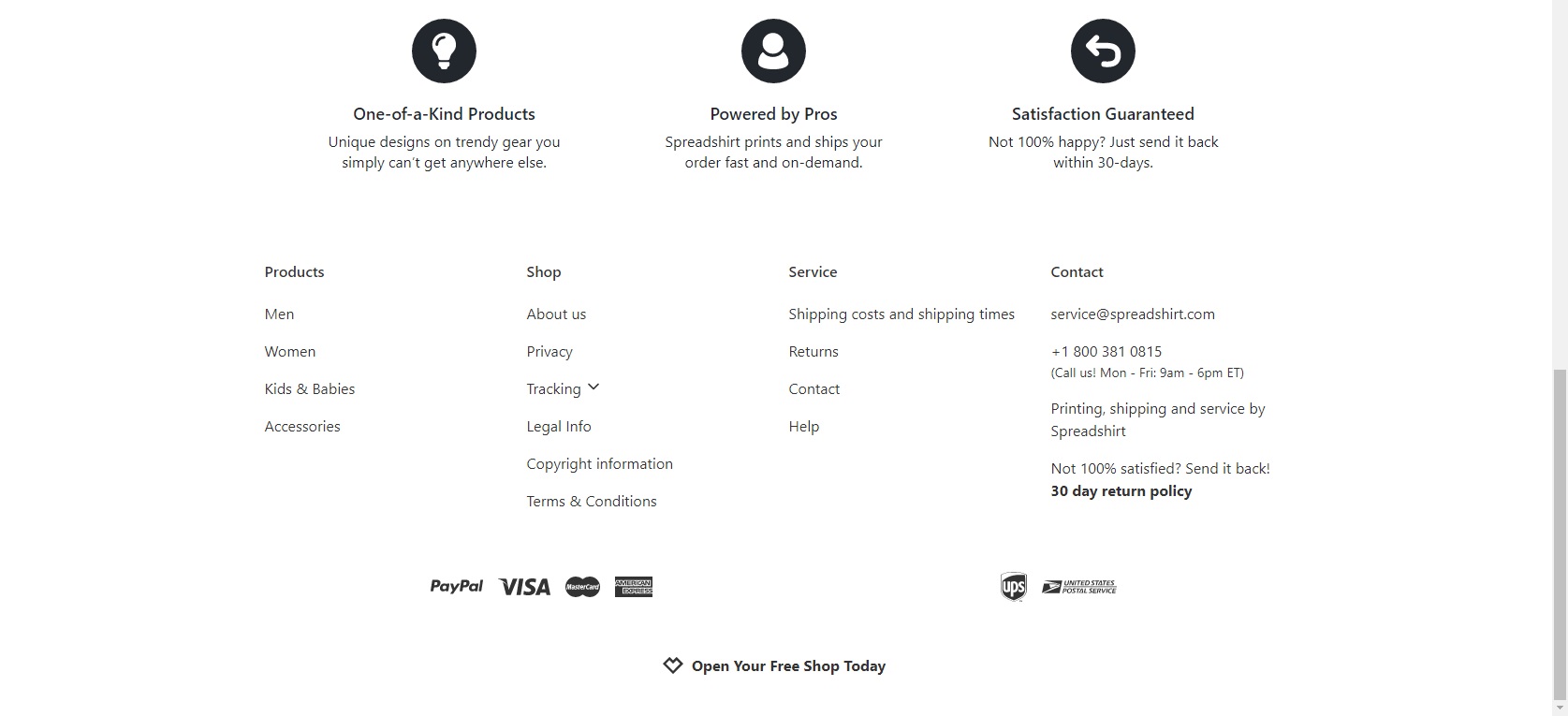
Please check in your Shop Settings > Advanced > Language & currency > Activate all languages is on!
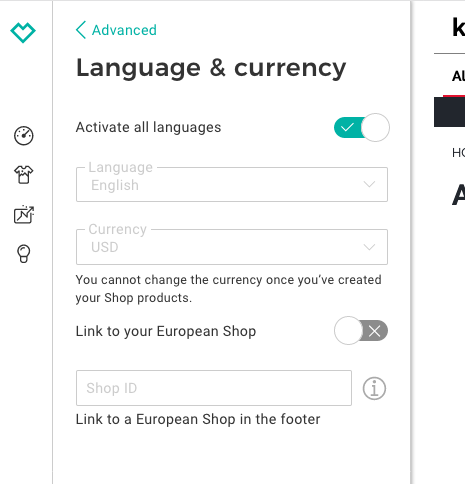
If you are using an embedded shop then you can only show one currency!
Activate all languages is checked in Language & currency and the selected language is English and Currency is USD but it still shows up as CAD when viewed as an embedded shop. How can I change to just USD?
Can you please link your embedded shop so we can have a closer look? Thanks!
Found the solution. I’m using the WordPress SpreadShop plugin and it was set to CA. Changed to US now it shows in US.I’ll just add a link to a CA version of the page using the embed code and “local = en_CA” for the Canadian page.
1 Like